
In community packs, a 5D skin adds an animations map intended to remap player animation slots to other built-in game animations. Build one step by step in the Quick 4D Maker or the 4D skin editor.
What makes a skin 5D
In community skin packs, 5D means animation remapping. A skin entry in the pack includes an animations object that maps a player animation slot (such as move.arms or humanoid_base_pose) to a different animation ID built into the game. That the skin's map overrides the player entity's default map is inferred from the matching slot names and is not officially documented.
The official documentation states that custom models cannot be added through the skin pack JSON, where only localization_name, geometry, texture, and type are documented. Custom geometry and the animations object are undocumented behaviour that real packs rely on, and nothing on this site has been tested inside the game. A 4D or 5D skin may not show its extra parts or custom motion on current versions, and if the game ignores them, it falls back to the standard player shape.
In the Quick 4D Maker, remaps pointing to built-in player animations need no extra animation files and can also be added to a plain skin without 3D parts. In real pack files, Mojang's own skin packs remap slots to alternative player movements like animation.player.move.arms.zombie or animation.player.move.legs.inverted.
{
  "localization_name": "ZombieWalker",
  "geometry": "geometry.humanoid.custom",
  "texture": "skin.png",
  "type": "free",
  "animations": {
    // Maps the arm slot to outstretched zombie arms
    "move.arms": "animation.player.move.arms.zombie",
    // Maps the sneaking slot to the inverted crouch animation
    "sneaking": "animation.player.sneaking.inverted"
  }
}
Add 5D motion in the Quick 4D Maker
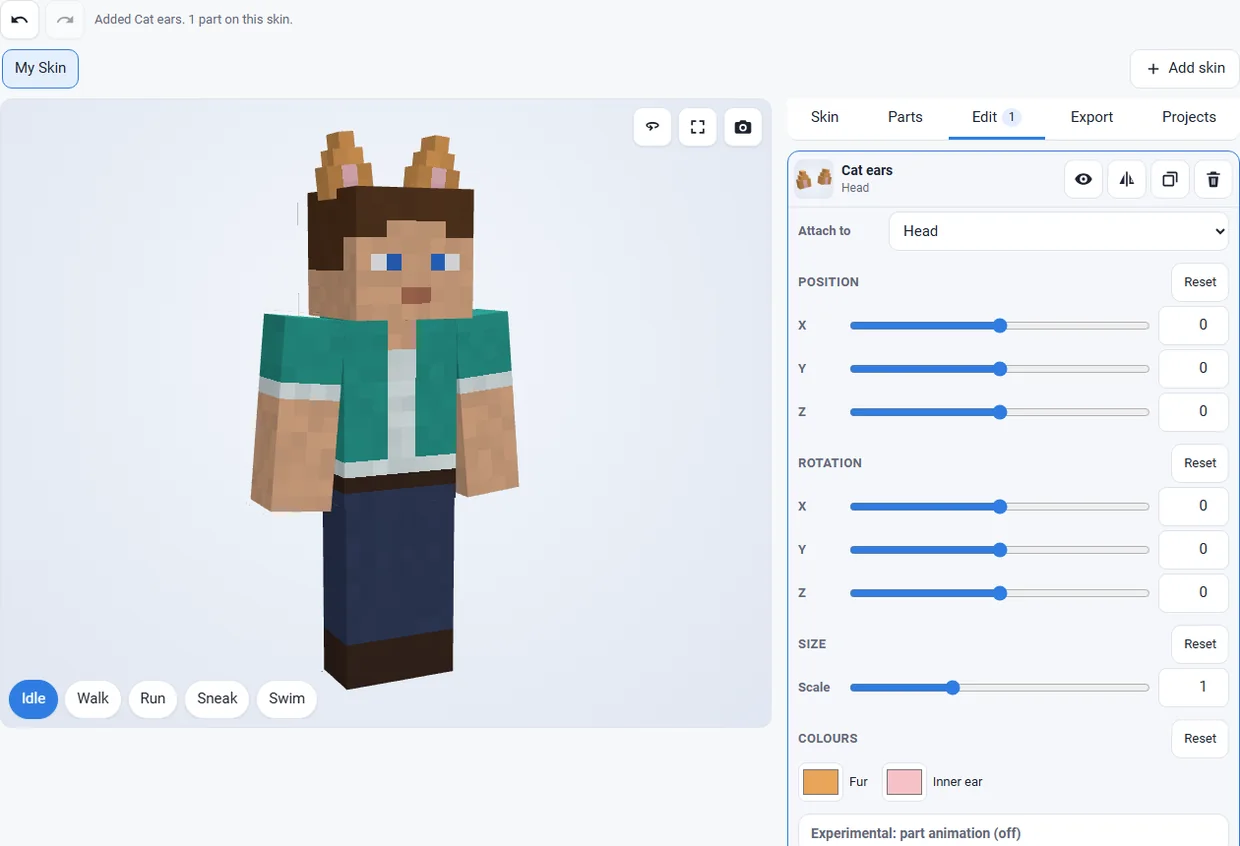
The Quick 4D Maker runs in your browser and lets you pick tested slot remaps from menus or a searchable list without writing JSON by hand.
- Open the Quick 4D Maker and stay on the Skin tab. Load your PNG with Choose skin image or pick a built-in starter skin (
ScoutorNova). You will see your skin on the 3D preview. - Scroll down on the Skin tab to the
5D motion (game animations)section. You will see five preset drop-downs for common player movements. - Pick your presets from
Arms(Default swing, Zombie (arms out front), Statue of Liberty,Still, Both arms together),Legs(Default walk, Still (glide), Both legs together (hop),Inverted), Idle arm bob (Default,None),Sneak(Default, Inverted (lean back)), and Swim legs (Default kick, Both legs together,Still). - Test your choices in the 3D preview by clicking the
walk,sneak, andswimpose buttons. The preview plays the remapped motions live so you can see zombie arms or gliding legs right away. - To remap any other player slot, open
Advanced: any slot, any game animationand add a row. Pick a slot (such ashumanoid_base_pose,holding,riding.arms,riding.legs,swimming,cape,attack.rotations,bow_and_arrow, orsleeping) and choose a game animation ID from the searchable list. - Switch to the Export tab, enter a Pack name, check the Pack check box for any errors, and click Download .mcpack (or Download persona folder .zip).
How mob animation remaps work in real packs
Beyond player animations, real community 5D packs often point player slots at mob animations. The most common ones observed in community files are animation.wolf.shaking, animation.phantom.move, animation.panda.lying, animation.ocelot.sneak, animation.piglin.move, and animation.cat.sprint.
From the pack files we measured, we infer that a mob animation moves bones by name, so it may only move parts of the skin whose bones carry the names that animation addresses (for example, a phantom animation looks for wing bones and a wolf animation looks for the wolf's bones, so real packs name their extra bones accordingly; this has not been confirmed in the game).
Parts added in the Quick 4D Maker are automatically given generated child bone names starting with s4_, which do not match mob bone names. If you want to follow how real community packs set up mob animation remaps, you must use the 4D skin editor so you can create the extra bones and name them to match the target mob.
{
  "animations": {
    "move.arms": "animation.player.move.arms.zombie",
    "humanoid_base_pose": "animation.wolf.shaking"
  }
}Using the 4D skin editor for 5D remaps
When you build or edit a model in the 4D skin editor, you can rename your custom bones in the outliner to match a mob animation and set up your slot remaps on export.
Click 4D Skin > Export 4D skin pack (.mcpack) to open the export dialog. Scroll to the 5D section of the export dialog, where you enter slot remaps as pairs such as move.arms=animation.player.move.arms.zombie, or map your own project animations from the Animate tab to a player slot.
Experimental custom part animations
Both tools also offer custom animations for extra parts. In the Quick 4D Maker, Experimental: part animation is off by default and lets you pick motions like flap, wag, sway, bob, spin, or orbit.
In all the real community packs we measured, no skin pack ever carried its own animation file inside the skin pack itself; the only custom animation definition found (animation.mypack.wings) was shipped in a separate companion resource pack alongside the skin pack.
Because of this, enabling experimental part animations unlocks a separate Download animation pack button on the Export tab (and a companion resource pack option in the 4D skin editor). Whether the game loads an animation from a skin pack or companion pack, and whether other players in multiplayer would ever see it without also installing that companion resource pack, has not been confirmed in the game.
Common mistakes
- Expecting a mob animation like
animation.phantom.moveto move Quick 4D Maker wings. The maker gives its parts generated s4_ child bone names, whereas real community packs name extra bones to match the bones a mob animation addresses; use the 4D skin editor if you need specific bone names. - Forgetting the companion pack for experimental part animations. Custom animations are not built into the game, so you must also use Download animation pack and activate that resource pack, though its behaviour in the game is unconfirmed.
- Leaving Only Allow Trusted Skins turned on. If the game or another player does not recognise your custom skin, open Settings > General and make sure Only Allow Trusted Skins is switched off.
- Assuming every mob animation plays in the preview. In the 3D skin viewer and maker preview, mob animations that depend on the mob's own internal state mostly show a static pose.
Questions and answers
Can I make a 5D skin without adding any 3D parts?
Yes. If you add 5D motion presets in the Quick 4D Maker and leave the skin with no visible parts, it exports with the stock model ID and your animations remaps.
Will other players on a server see my 5D animations?
The network skin data carries geometry and animation data to other clients, so another player's game may draw your skin if their Only Allow Trusted Skins setting is off and the server allows custom geometry. However, players report that featured servers block custom geometry and that custom skins can break on recent game versions.
Why does my custom animation ID show up as unresolved in the 3D skin viewer?
The 3D skin viewer bundles the game's stock animation definitions so standard player and mob remaps play in the preview. Custom animation IDs from external resource packs cannot be resolved and are listed as missing.
Can I import a 5D .mcpack on a console?
No. Official documentation states there are no plans for importing custom skins on consoles; skin pack import is for Windows and mobile only.
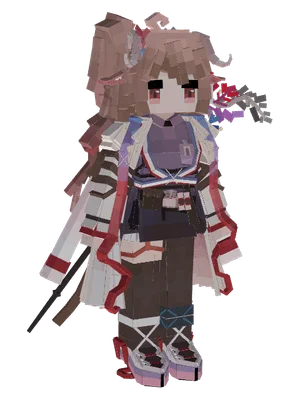 5D
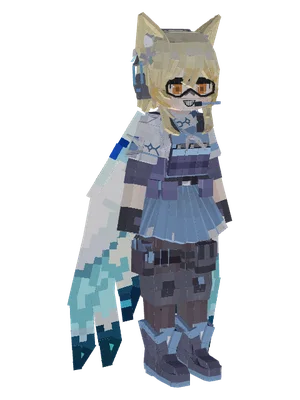 5D
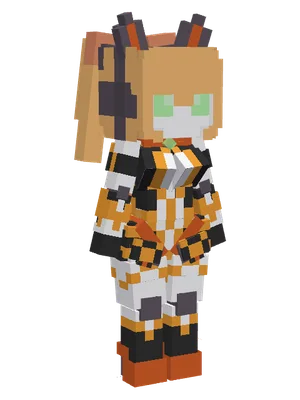 5D
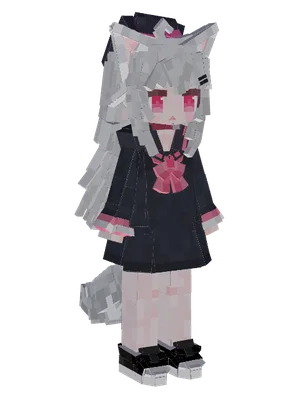 5D
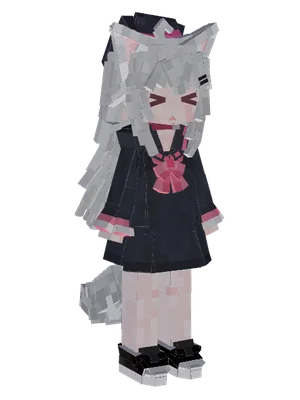 5D
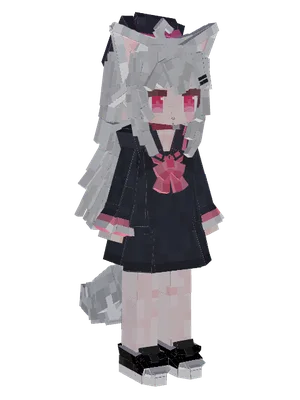 5D