
In Minecraft Bedrock skin packs, 4D means custom 3D geometry and 5D means custom geometry plus animation remaps to animations already in the game. 4.5D is only a creator nickname without a fixed technical meaning.
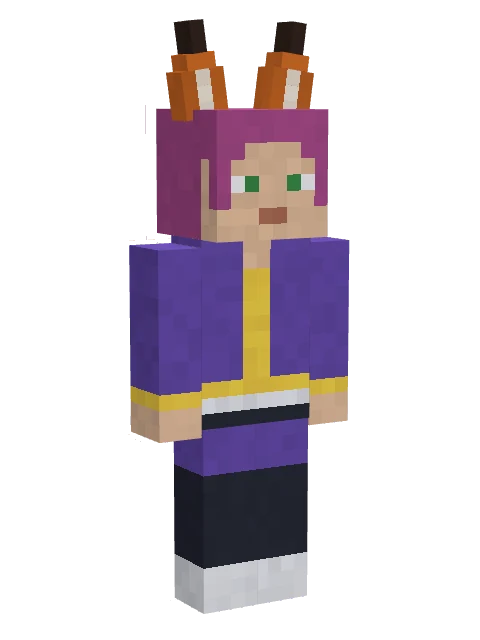
What 3D, 4D, 4.5D and 5D actually mean
On this site, every label is measured from the files inside the .mcpack archive, never from the title a creator gave the pack.
A 3D skin (or plain skin) uses a standard player shape. Its skins.json file points the geometry key at one of the two stock models: geometry.humanoid.custom (the classic "Steve" model) or geometry.humanoid.customSlim (the slim "Alex" model). Because they have no extra parts, plain 3D skins are not listed in our catalog.
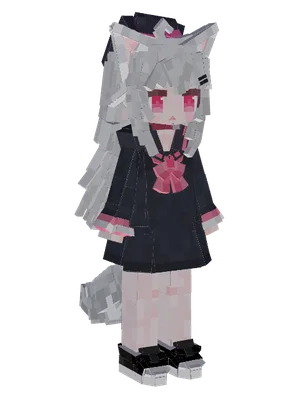
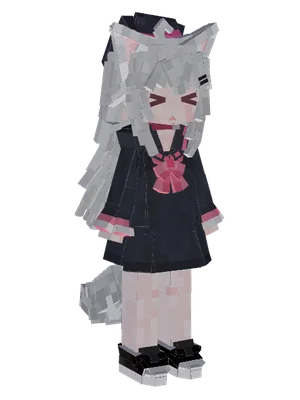
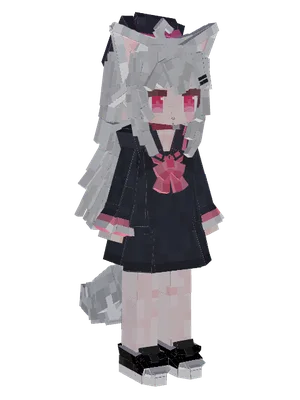
A 4D skin is a skin pack that ships its own geometry.json file at the root of the pack and points the skin's geometry key at a custom identifier defined inside that file. In the model files of the real packs we measured, this defines 3D blocks standing out from the body - such as ears, tails, wings, horns, hats, 3D hair, or armour plates - or a completely different body shape.
A 5D skin is a 4D skin whose skins.json entry also includes an animations object. Across all the real community packs we measured, a 5D skin never ships its own animation file. Instead, the animations object connects standard player animation slots to built-in animations that already come with the game, such as a zombie arm pose, a wolf shaking, or phantom wings moving. In practice, 5D simply means 4D geometry combined with built-in animation remaps.
4.5D is a nickname some pack authors use that has no agreed definition. Because no specific file feature makes a skin 4.5D, our catalog does not treat it as a separate category. Any pack advertised as 4.5D by its creator is listed here as 4D or 5D based on whether its skins.json file includes an animations object.
Official support and what to expect
According to Microsoft's official creator documentation, custom 3D models cannot be added to skin packs via the skin pack JSON. The only officially documented keys for each skin entry are localization_name, geometry (for the classic geometry.humanoid.custom and slim geometry.humanoid.customSlim shapes), texture, and type.
Every file trick that makes a skin 4D or 5D - custom geometry names, a geometry.json file, an animations object, a cape entry, or enable_attachables - is undocumented behaviour that real community packs depend on.
We have not tested any of these packs inside the game. It is unknown if a current version of Minecraft Bedrock displays custom geometry from a normally imported .mcpack, or on which devices. Because of this, a 4D or 5D skin may not show its extra parts on current versions. If the game ignores the custom geometry, the expected outcome is that it may show the flat standard player shape and possibly a wrong-looking texture.
How to check if a pack is 3D, 4D or 5D
You do not need to guess what a pack contains from its download title. The simplest way to check a pack is to open it in the 3D skin viewer or the pack validator on this site, which inspect the actual files and display a 3D, 4D, or 5D badge.
If you unpack the .mcpack archive yourself (it is just a standard zip file renamed to .mcpack), you can tell the type by looking inside skins.json:
{
  "localization_name": "ExampleSkin",
  "geometry": "geometry.humanoid.custom",
  "texture": "skin.png",
  "type": "free",
  "animations": {
    "move.arms": "animation.player.move.arms.zombie",
    "humanoid_base_pose": "animation.wolf.shaking"
  }
}geometry is geometry.humanoid.custom or geometry.humanoid.customSlim, the model shape is 3D. If geometry points to an identifier inside a geometry.json file at the pack root, it is 4D. If it also has the animations object, it is 5D.How real 4D models and 5D animations work
In the real packs we measured, creators construct 4D models in five main ways inside geometry.json. Most keep the normal player bones and attach extra cubes directly to the head or body. Others add brand-new bones to the skeleton, replace standard body parts with differently sized cubes, hide the default body using zero-size cubes, or build shapes out of polygon meshes (poly_mesh) rather than regular cubes.
In 5D skins, the animations object pairs a player animation slot with a built-in animation ID. Those slot names match the short identifiers found in the game's default player entity definition, including humanoid_base_pose, move.arms, move.legs, bob, cape, holding, sneaking, swimming, swimming.legs, riding.arms, riding.legs, attack.rotations, bow_and_arrow, and sleeping. We infer that the skin's list overrides the player entity's default list because the slot names match, though this mechanic is not officially documented.
Looking at real files, Mojang's own skin packs only redirect slots to other player animations, like animation.player.move.arms.zombie, animation.player.move.arms.statue_of_liberty, or animation.player.base_pose.upside_down. Community 5D packs also assign slots to mob animations, most frequently animation.wolf.shaking, animation.phantom.move, animation.panda.lying, animation.ocelot.sneak, animation.piglin.move, and animation.cat.sprint.
From the real files we measured, we infer that because a mob animation targets bones by name, it may only move parts of a skin whose bones carry the names that animation addresses. For instance, we infer that a phantom animation looks for wing bones and a wolf animation looks for the wolf's bones, which is why real packs name their extra bones in geometry.json accordingly.
When you create a skin with the Quick 4D Maker, the Skin tab lets you pick these remaps under "5D motion (game animations)" without requiring any separate animation file. Our 3D skin viewer also includes the game's stock animation definitions so you can watch how the remaps move in the preview.
The other 4D family: player-model resource packs
Players and creators also use the phrase "4D skins" for a completely different family of packs: resource packs that replace the player model rather than importing as a skin pack.
Because those packs work differently from .mcpack skin packs, read our dedicated guide on player-model resource packs to see how they are structured.
Common mistakes
- Relying on "4.5D" or "5D" in a pack's title: A pack's title may not match its files. Always check
skins.jsonfor a customgeometryidentifier and ananimationsobject, or drop the file into the pack validator. - Looking for an animation file inside a 5D skin pack: In the real skin packs we measured, 5D packs never include custom animation files; they only remap slots in
skins.jsonto animations already built into the game. - Adding a mob animation remap without matching bone names: Based on how real packs are built, we infer that pointing a slot at an animation like
animation.phantom.movemay only move bones that carry the bone names that animation addresses.
Questions and answers
Do 5D skins have custom hand-made animations?
In the real packs we measured, no skin pack includes its own animation file. Instead, 5D skins point player slots at existing player or mob animations already built into the game. The only custom animation definition we ever observed in real files was delivered in a separate resource pack alongside a skin pack, and whether the game loads an animation file placed directly inside a skin pack has not been confirmed in the game.
Why does my 4D skin look like a flat Steve or Alex in the game?
Microsoft's official documentation states that custom models cannot be added via the skin pack JSON. Because nothing on this site has been tested in the game, a 4D skin may not show its extra parts on current versions; if the game ignores the custom geometry, the expected outcome is that it may show the flat standard player shape instead.
Can I add 5D movement to a skin without adding 4D parts?
Yes, in the Quick 4D Maker, animation remaps under "5D motion (game animations)" need no extra file and also work on a standard skin without extra 4D parts.
How can I find only 5D skins or specific 4D parts on this site?
Use the catalog filters to browse by 4D or 5D, specific 4D part (like ears, tail, wings, or horns), detail level (by cube count or mesh model), texture size, or animation remaps. Every individual skin page also displays the measured cubes, bones, geometry format, and animation remaps read from the pack's files.
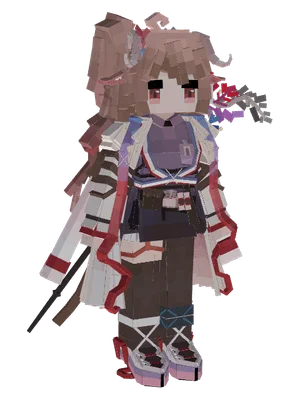 5D
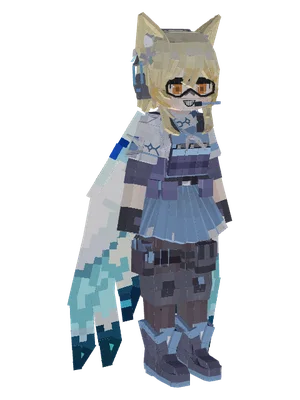 5D
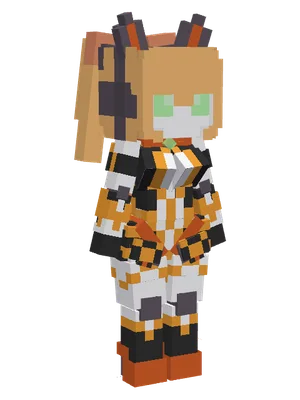 5D
 5D
 5D
 5D