
 4D
Details
| Type | 4D skin (custom geometry) |
|---|---|
| Series | The Helpful Fox Senko-san |
| Character | Senko |
| 4D parts | Animal ears, Tail, 3D hair, Skirt & dress, Bow & ribbon |
| What makes it 4D | Extra cubes on player bones |
| Cubes | 511 |
| Bones | 14 |
| Detail level | Very detailed |
| Texture | 128 x 128 px |
| Arm model | Custom arms |
| Height | 2.28 blocks |
| Cape | None |
| Geometry format | 1.11.0 |
| Geometry name | geometry.ByDFFSenkoSan |
| Look | Female · Human with animal ears · Steve-like (classic) |
| Theme | Fantasy, Cute |
| Main colours | White, Red, Yellow |
| From pack | D Flog Flag Skins 4D (one of 1,150 skins) |
| Made by | D Flog Flag |
| File | .mcpack skin pack with this one skin, 10 KB |
Senko The Helpful Fox 4D Skin
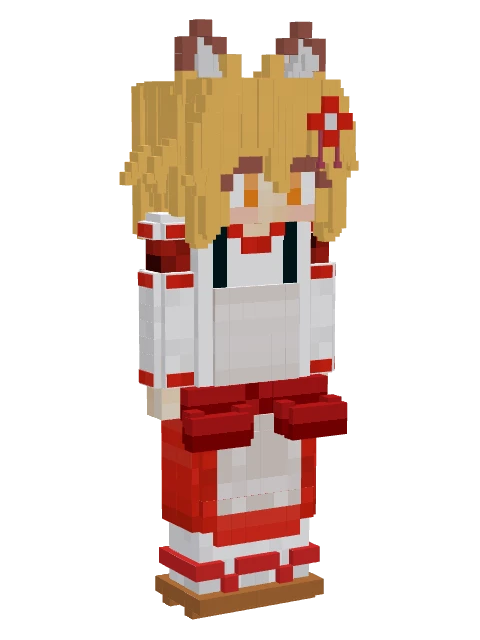
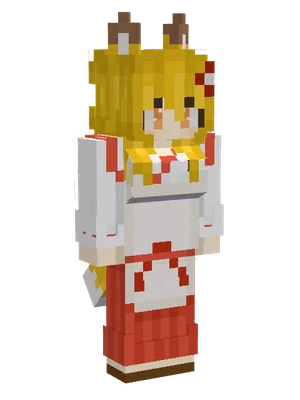
Senko the fox spirit girl in a red and white shrine maiden outfit with sculpted blonde hair, fox ears, a waist bow, and a large fluffy tail.
What makes it 4D
Senko The Helpful Fox is a 4D skin for Minecraft Bedrock: the pack carries its own geometry, and it adds extra cubes on the standard player bones. The model is built from 511 cubes and 14 bones, where a plain skin uses one cube per body part. What you can see standing out from the body: animal ears, a tail, 3D hair, a skirt or dress and a bow or ribbon.
How to install
- Tap Download .mcpack and wait for the file to finish.
- Open the file with Minecraft: on Android and iOS choose Open with Minecraft, on Windows double-click it. The game shows an import message at the top of the screen.
- Open the Dressing Room, go to Classic Skins and look for the pack under your owned skins, then pick the skin and confirm.
Skin packs with custom geometry are imported on Android, iOS and Windows; consoles cannot open .mcpack files. Whether the extra parts show depends on the game version: if the game ignores the custom geometry you see the flat skin only. Step-by-step install guides: Android, iPhone and iPad, Windows and Xbox, PlayStation and Switch. Extra parts not showing? Read why your 4D skin shows as Steve, flat or invisible.
Change this skin
The download is an open skin pack, so you can add ears, tails or wings to it in the Quick 4D Maker, reshape the model and repaint the texture in the 4D skin editor or check the pack with the pack validator.
More from The Helpful Fox Senko-san
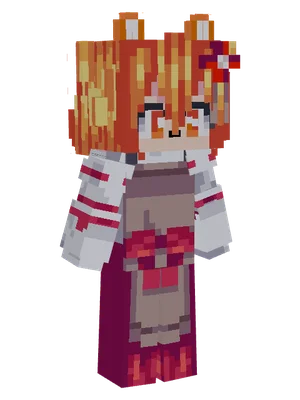 4DSenko The Helpful FoxThe Helpful Fox Senko-sanAnimal earsTail+4
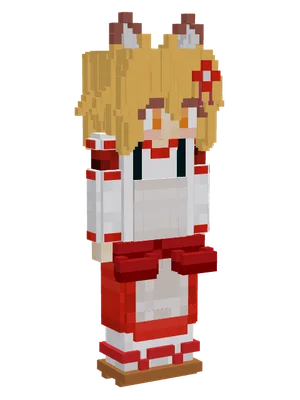 4DSenko Fox Shrine MaidenThe Helpful Fox Senko-sanAnimal earsTail+3
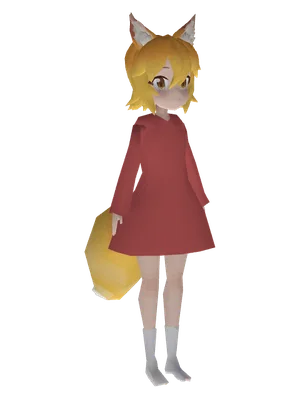 4DSenko Fox GirlThe Helpful Fox Senko-sanAnimal earsTail+2
 5DSenko The Helpful FoxThe Helpful Fox Senko-sanAnimal earsTail+1
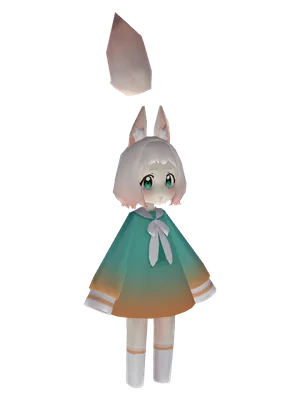 4DChibi Fox GirlKemono JihenAnimal earsTail+4
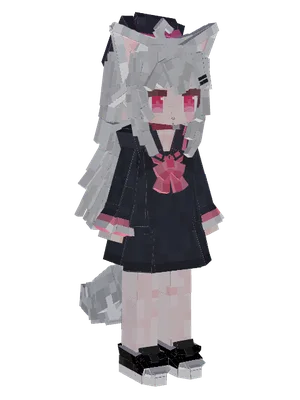 5DSilver Wolf Girl SchoolAnimeAnimal earsTail+5
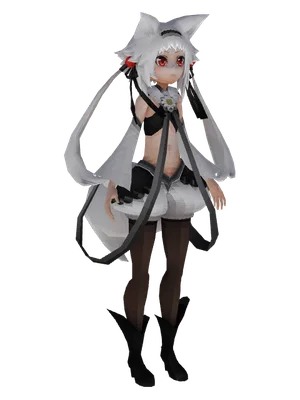 4DWhite Wolf Girl MamonoAnimeAnimal earsTail+5
 4DCure Kyun KyunYou and Idol PrecureAnimal earsTail+2
 4DChenTouhou ProjectAnimal earsTail+4
 4DCute Pig Maid GirlMinecraftAnimal earsTail+3
 4DKosaka WakamoBlue ArchiveAnimal earsTail+6
 4DPink Bunny Girl With BowOriginal characterAnimal earsTail+3