
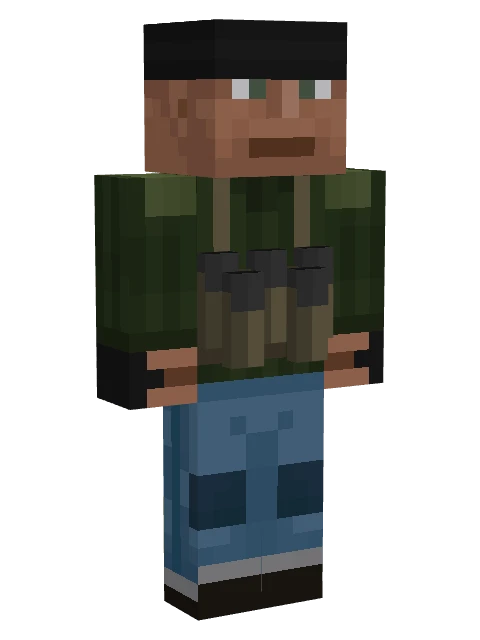
 4D
Details
| Type | 4D skin (custom geometry) |
|---|---|
| Series | Minecraft |
| Collection | Legacy Console Edition |
| 4D parts | Backpack, Belt & pouches |
| What makes it 4D | Reshaped body parts |
| Cubes | 12 |
| Bones | 6 |
| Detail level | Simple |
| Texture | 64 x 32 px |
| Arm model | Classic arms (4 px) |
| Height | 2.00 blocks |
| Cape | None |
| Geometry format | 1.12.0 (minecraft:geometry) |
| Geometry name | geometry.Rebel_Fighter |
| Look | Male · Human · Steve-like (classic) |
| Theme | Military, Post-apocalyptic |
| Main colours | Green, Blue, Brown |
| From pack | Skin Pack 6 (one of 45 skins) |
| File | .mcpack skin pack with this one skin, 2 KB |
Rebel Fighter 4D Skin
A soldier wearing a black bandana, green shirt, and blue jeans, equipped with protruding chest ammo pouches and a small backpack.
What makes it 4D
Rebel Fighter is a 4D skin for Minecraft Bedrock: the pack carries its own geometry, and it reshapes the standard body parts with cubes of non-standard size. The model is built from 12 cubes and 6 bones. What you can see standing out from the body: a backpack and a belt with pouches.
How to install
- Tap Download .mcpack and wait for the file to finish.
- Open the file with Minecraft: on Android and iOS choose Open with Minecraft, on Windows double-click it. The game shows an import message at the top of the screen.
- Open the Dressing Room, go to Classic Skins and look for the pack under your owned skins, then pick the skin and confirm.
Skin packs with custom geometry are imported on Android, iOS and Windows; consoles cannot open .mcpack files. Whether the extra parts show depends on the game version: if the game ignores the custom geometry you see the flat skin only.
Change this skin
The download is an open skin pack, so you can add ears, tails or wings to it in the Quick 4D Maker, reshape the model and repaint the texture in the 4D skin editor or check the pack with the pack validator.
More from Minecraft
 4DIron GolemMinecraftSnout & beak
 4DFarland ArcherMinecraftHorns3D hair+3
 4DFarland MinerMinecraftHelmetPonytail & braids+3
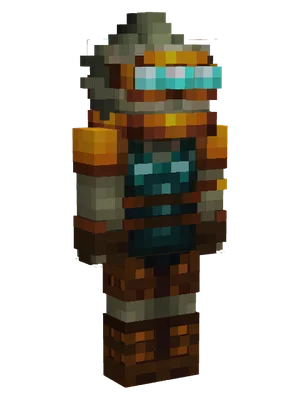 4DOcean EngineerMinecraftGlassesFins+3
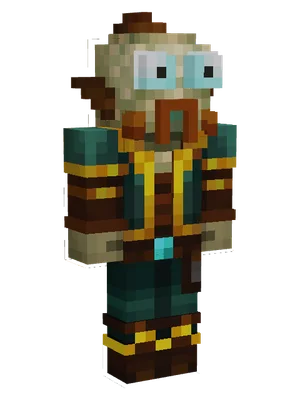 4DOcean TamerMinecraftGlasses3D hair+3
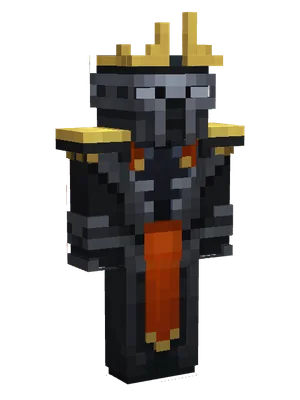 4DStronghold MonarchMinecraftCrownHelmet+3
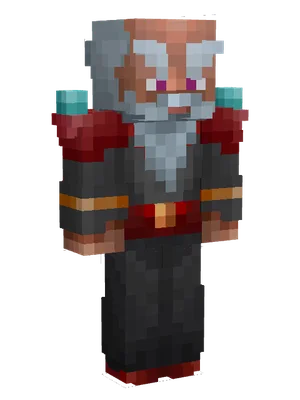 4DEnchantro Dark WizardMinecraft3D hairBeard+2
 4DEnd EngineerMinecraftHatScarf+2
 4DFarland EngineerMinecraftGlasses3D hair+2
 4DMooshroom ArcherMinecraftHat3D hair+2
 4DMooshroom BrewerMinecraft3D hairBeard+2
 4DMooshroom HunterMinecraftHat3D hair+2