
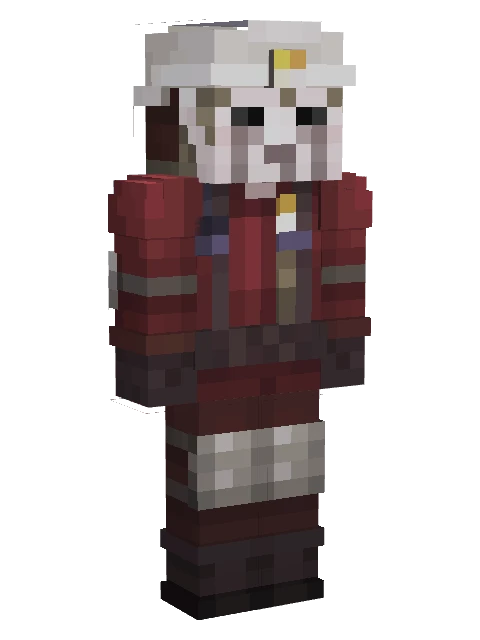
 4D
Details
| Type | 4D skin (custom geometry) |
|---|---|
| Series | Minecraft |
| 4D parts | Helmet, Belt & pouches |
| What makes it 4D | Extra cubes on player bones |
| Cubes | 13 |
| Bones | 17 |
| Detail level | Simple |
| Texture | 64 x 64 px |
| Arm model | Slim arms (3 px) |
| Height | 2.05 blocks |
| Cape | None |
| Geometry format | 1.12.0 (minecraft:geometry) |
| Geometry name | geometry.skinsbiomesettlers2.dlcskin00005322 |
| Look | Male · Human · Steve-like (classic) |
| Theme | Work uniform, Fantasy |
| Main colours | Red, White, Brown |
| From pack | Biome Settlers Pack 2 (one of 24 skins) |
| File | .mcpack skin pack with this one skin, 9 KB |
Nether Miner 4D Skin
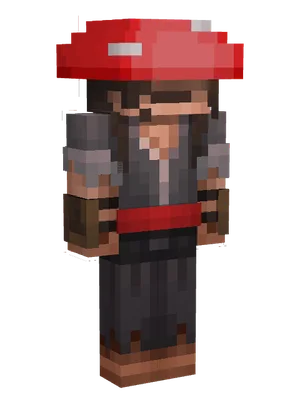
A miner in a dark red protective suit with a white hard hat headlamp, face mask, and coiled rope on the back.
What makes it 4D
Nether Miner is a 4D skin for Minecraft Bedrock: the pack carries its own geometry, and it adds extra cubes on the standard player bones. The model is built from 13 cubes and 17 bones, where a plain skin uses one cube per body part. What you can see standing out from the body: a helmet and a belt with pouches.
How to install
- Tap Download .mcpack and wait for the file to finish.
- Open the file with Minecraft: on Android and iOS choose Open with Minecraft, on Windows double-click it. The game shows an import message at the top of the screen.
- Open the Dressing Room, go to Classic Skins and look for the pack under your owned skins, then pick the skin and confirm.
Skin packs with custom geometry are imported on Android, iOS and Windows; consoles cannot open .mcpack files. Whether the extra parts show depends on the game version: if the game ignores the custom geometry you see the flat skin only.
Change this skin
The download is an open skin pack, so you can add ears, tails or wings to it in the Quick 4D Maker, reshape the model and repaint the texture in the 4D skin editor or check the pack with the pack validator.
More from Minecraft
 4DIron GolemMinecraftSnout & beak
 4DFarland ArcherMinecraftHorns3D hair+3
 4DFarland MinerMinecraftHelmetPonytail & braids+3
 4DOcean EngineerMinecraftGlassesFins+3
 4DOcean TamerMinecraftGlasses3D hair+3
 4DStronghold MonarchMinecraftCrownHelmet+3
 4DEnchantro Dark WizardMinecraft3D hairBeard+2
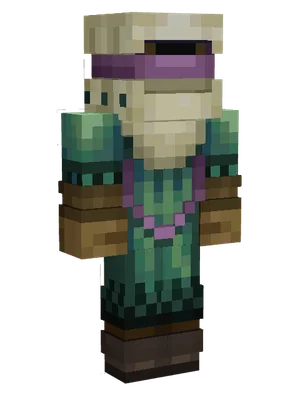 4DEnd EngineerMinecraftHatScarf+2
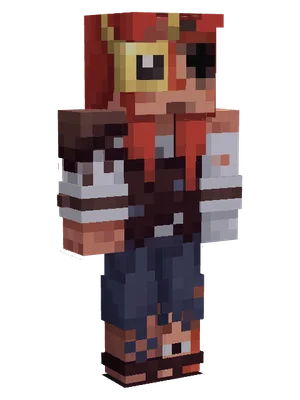 4DFarland EngineerMinecraftGlasses3D hair+2
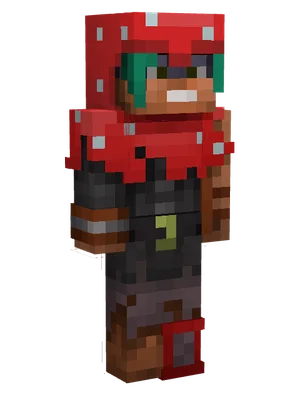 4DMooshroom ArcherMinecraftHat3D hair+2
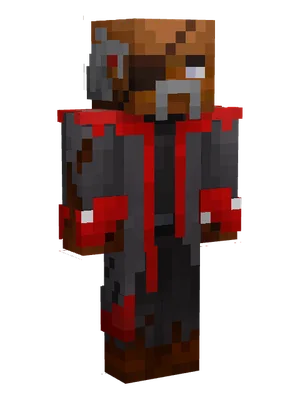 4DMooshroom BrewerMinecraft3D hairBeard+2
 4DMooshroom HunterMinecraftHat3D hair+2