
 4D
Details
| Type | 4D skin (custom geometry) |
|---|---|
| Series | Touhou Project |
| 4D parts | Animal ears, Tail, Hat, 3D hair, Skirt & dress, Sleeves & cuffs |
| What makes it 4D | Extra bones |
| Cubes | 41 |
| Bones | 11 (3 beyond the player skeleton) |
| Detail level | Detailed |
| Texture | 128 x 128 px |
| Arm model | Custom arms |
| Height | 1.77 blocks |
| Cape | None |
| Geometry format | 1.8.0 (legacy layout) |
| Geometry name | geometry.inubashirimomizi |
| Look | Female · Human with animal ears · Steve-like (classic) |
| Theme | Fantasy, Cute |
| Main colours | White, Red, Black |
| File | .mcpack skin pack with this one skin, 6 KB |
Momiji Inubashiri 4D Skin
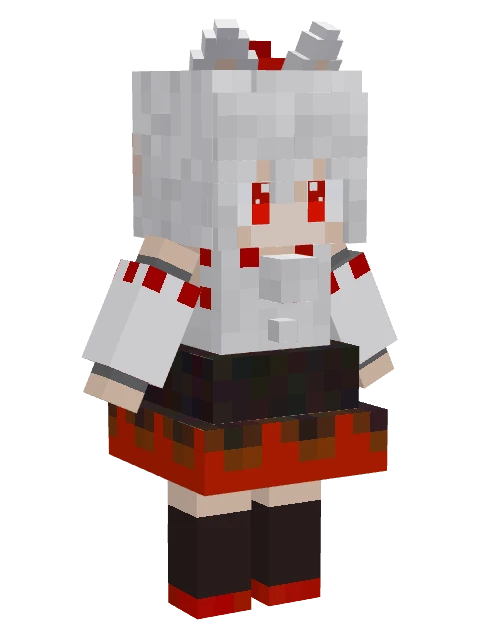
Momiji Inubashiri from Touhou Project with white hair, wolf ears, a small red cap, a white tail, and a flared red and black skirt.
What makes it 4D
Momiji Inubashiri is a 4D skin for Minecraft Bedrock: the pack carries its own geometry, and it adds extra bones with their own cubes to the player skeleton. The model is built from 41 cubes and 11 bones, where a plain skin uses one cube per body part. What you can see standing out from the body: animal ears, a tail, a hat, 3D hair, a skirt or dress and raised sleeves and cuffs.
How to install
- Tap Download .mcpack and wait for the file to finish.
- Open the file with Minecraft: on Android and iOS choose Open with Minecraft, on Windows double-click it. The game shows an import message at the top of the screen.
- Open the Dressing Room, go to Classic Skins and look for the pack under your owned skins, then pick the skin and confirm.
Skin packs with custom geometry are imported on Android, iOS and Windows; consoles cannot open .mcpack files. Whether the extra parts show depends on the game version: if the game ignores the custom geometry you see the flat skin only. Step-by-step install guides: Android, iPhone and iPad, Windows and Xbox, PlayStation and Switch. Extra parts not showing? Read why your 4D skin shows as Steve, flat or invisible.
Change this skin
The download is an open skin pack, so you can add ears, tails or wings to it in the Quick 4D Maker, reshape the model and repaint the texture in the 4D skin editor or check the pack with the pack validator.
More from Touhou Project
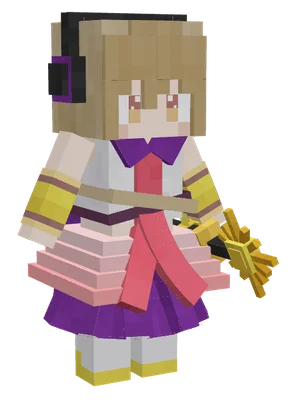 4DToyosatomimi No MikoTouhou Project3D hairHeadphones+5
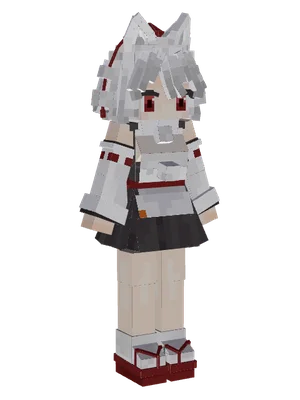 5DMomiji InubashiriTouhou ProjectAnimal earsTail+4
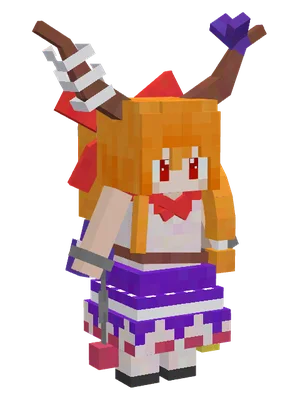 5DSuika IbukiTouhou ProjectHorns3D hair+4
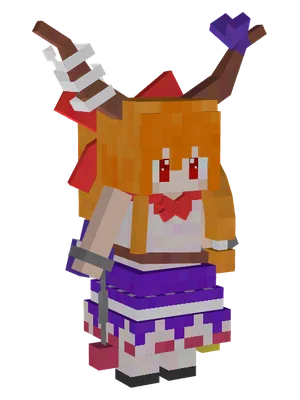 4DSuika IbukiTouhou ProjectHornsBow & ribbon+4
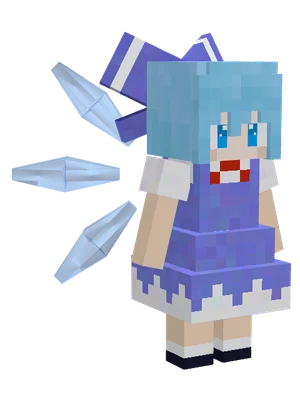 4DCirno Ice FairyTouhou ProjectWings3D hair+3
 4DCirno Ice FairyTouhou ProjectWings3D hair+3
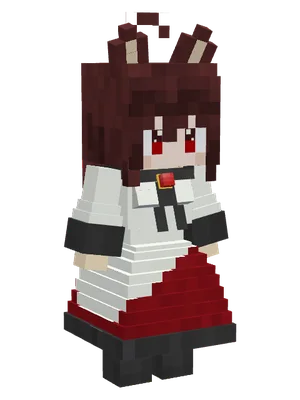 4DKagerou ImaizumiTouhou ProjectAnimal earsTail+3
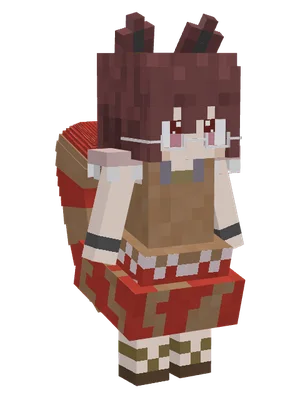 4DMamizou FutatsuiwaTouhou ProjectAnimal earsTail+3
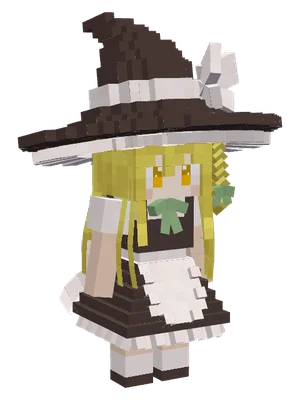 4DMarisa KirisameTouhou ProjectHat3D hair+3
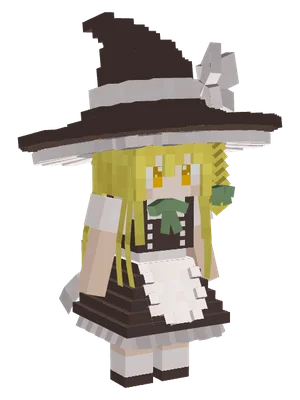 4DMarisa Kirisame WitchTouhou ProjectHat3D hair+3
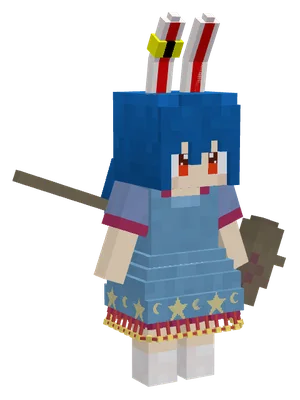 4DSeiran Touhou ProjectTouhou ProjectAnimal earsTail+3
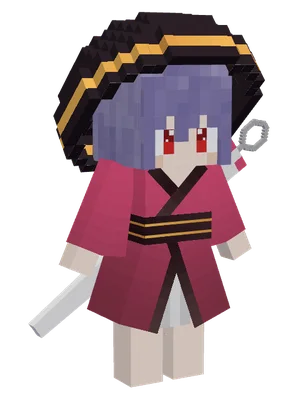 4DShinmyoumaru SukunaTouhou ProjectHat3D hair+3