
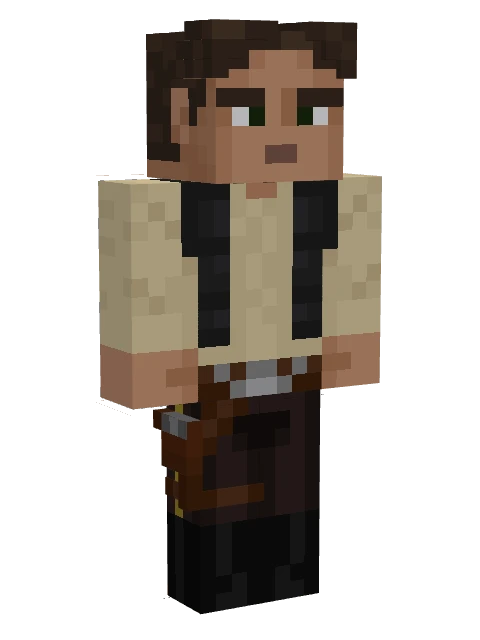
 4D
Details
| Type | 4D skin (custom geometry) |
|---|---|
| Series | Star Wars |
| Collection | Legacy Console Edition |
| Character | Han Solo |
| 4D parts | 3D hair, Belt & pouches |
| What makes it 4D | Extra cubes on player bones |
| Cubes | 30 |
| Bones | 17 |
| Detail level | Standard |
| Texture | 64 x 64 px |
| Arm model | Classic arms (4 px) |
| Height | 2.05 blocks |
| Cape | None |
| Geometry format | 1.8.0 (legacy layout) |
| Geometry name | geometry.StarWarsClassic.EndorHanSolov2 |
| Look | Male · Human · Steve-like (classic) |
| Theme | Sci-fi, Space |
| Main colours | Brown, Black |
| From pack | Star Wars Classic Skin Pack (one of 55 skins) |
| File | .mcpack skin pack with this one skin, 7 KB |
Han Solo Endor 4D Skin
Han Solo wearing a tan shirt, black vest, and dark trousers with raised brown hair and a 3D holster strapped to his leg.
What makes it 4D
Han Solo Endor is a 4D skin for Minecraft Bedrock: the pack carries its own geometry, and it adds extra cubes on the standard player bones. The model is built from 30 cubes and 17 bones, where a plain skin uses one cube per body part. What you can see standing out from the body: 3D hair and a belt with pouches.
How to install
- Tap Download .mcpack and wait for the file to finish.
- Open the file with Minecraft: on Android and iOS choose Open with Minecraft, on Windows double-click it. The game shows an import message at the top of the screen.
- Open the Dressing Room, go to Classic Skins and look for the pack under your owned skins, then pick the skin and confirm.
Skin packs with custom geometry are imported on Android, iOS and Windows; consoles cannot open .mcpack files. Whether the extra parts show depends on the game version: if the game ignores the custom geometry you see the flat skin only.
Change this skin
The download is an open skin pack, so you can add ears, tails or wings to it in the Quick 4D Maker, reshape the model and repaint the texture in the 4D skin editor or check the pack with the pack validator.
More from Star Wars
 4DUpside Down Green Clone TrooperStar Wars
 4DUpside Down Purple Clone TrooperStar Wars
 4DUpside Down Red Clone TrooperStar Wars
 4DDarth VaderStar WarsHelmetMask+2
 4DDagobah Luke With YodaStar Wars3D hairBackpack+1
 5DChopperStar WarsAntennae
 4DR2-D2 Astromech DroidStar WarsExtra limbs
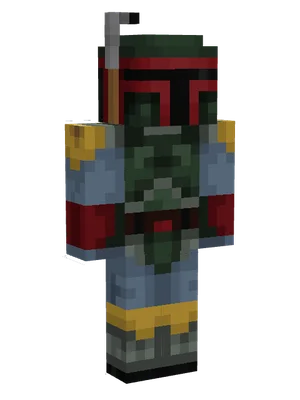 4DBoba FettStar WarsHelmetAntennae+3
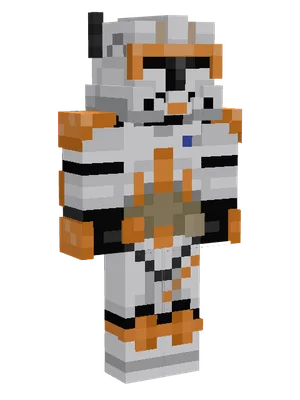 4DClone Commander CodyStar WarsHelmetAntennae+3
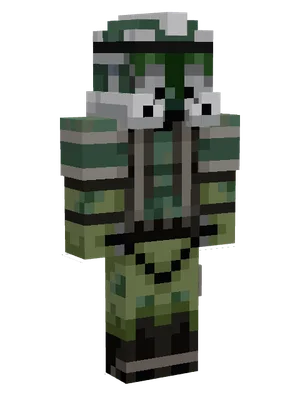 4DClone Commander GreeStar WarsHelmet3D armor+3
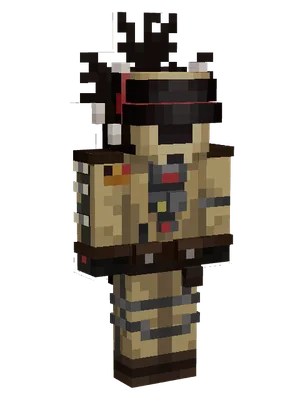 4DCloud RiderStar WarsHelmetPonytail & braids+3
 4DDeFancio StorsiltStar WarsAnimal earsSnout & beak+3