
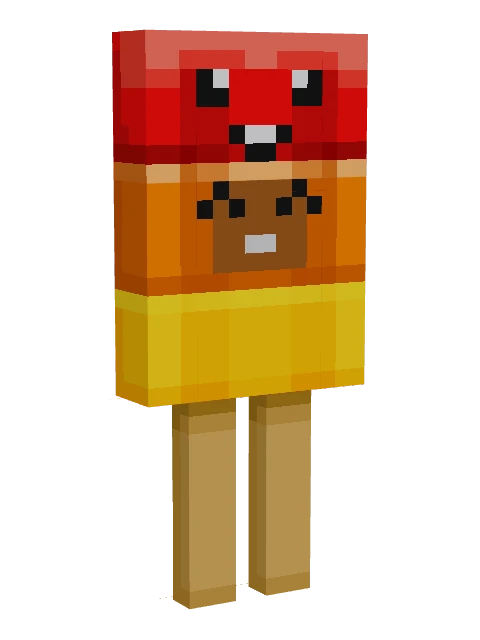
 4D
Details
| Type | 4D skin (custom geometry) |
|---|---|
| Collection | Legacy Console Edition |
| What makes it 4D | Extra cubes on player bones |
| Cubes | 14 |
| Bones | 12 |
| Detail level | Simple |
| Texture | 64 x 64 px |
| Arm model | Slim arms (3 px) |
| Height | 2.05 blocks |
| Cape | None |
| Geometry format | 1.12.0 (minecraft:geometry) |
| Geometry name | geometry.Pop |
| Look | Food / object · Not humanoid |
| Theme | Cute, Party & costume, Funny |
| Main colours | Red, Orange, Yellow |
| From pack | Super Cute Texture Pack (one of 15 skins) |
| File | .mcpack skin pack with this one skin, 2 KB |
Cute Popsicle Costume 4D Skin
A character wearing a blocky red, orange, and yellow striped popsicle body with a cute smiling face on top and wooden stick legs.
What makes it 4D
Cute Popsicle Costume is a 4D skin for Minecraft Bedrock: the pack carries its own geometry, and it adds extra cubes on the standard player bones. The model is built from 14 cubes and 12 bones, where a plain skin uses one cube per body part.
How to install
- Tap Download .mcpack and wait for the file to finish.
- Open the file with Minecraft: on Android and iOS choose Open with Minecraft, on Windows double-click it. The game shows an import message at the top of the screen.
- Open the Dressing Room, go to Classic Skins and look for the pack under your owned skins, then pick the skin and confirm.
Skin packs with custom geometry are imported on Android, iOS and Windows; consoles cannot open .mcpack files. Whether the extra parts show depends on the game version: if the game ignores the custom geometry you see the flat skin only.
Change this skin
The download is an open skin pack, so you can add ears, tails or wings to it in the Quick 4D Maker, reshape the model and repaint the texture in the 4D skin editor or check the pack with the pack validator.
Similar 4D skins
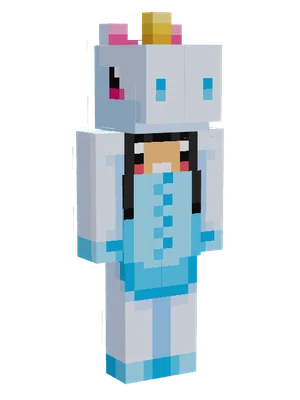 4DWhinny Unicorn Onesie GirlLegacy Console EditionAnimal earsTail+4
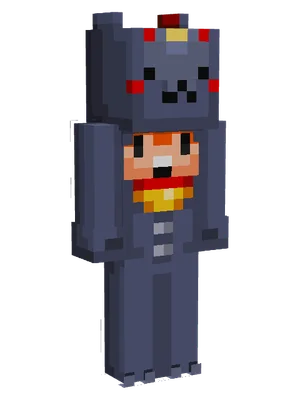 4DCat Onesie KidLegacy Console EditionAnimal earsTail+1
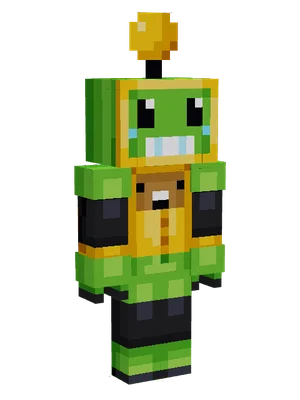 4DCute Green Robot BeepLegacy Console EditionAntennae
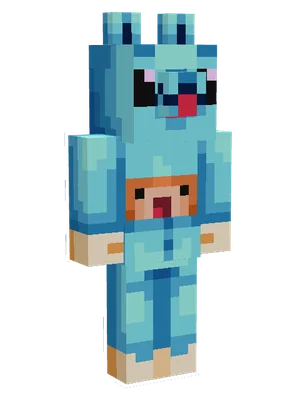 4DBlue Llama Costume KidLegacy Console EditionAnimal earsSnout & beak+1
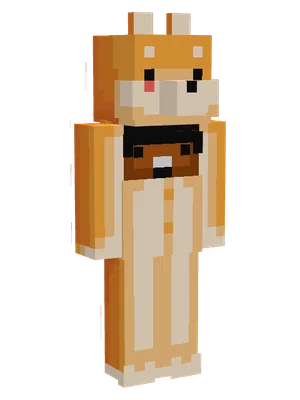 4DShiba Inu Onesie BoyLegacy Console EditionAnimal earsTail+1
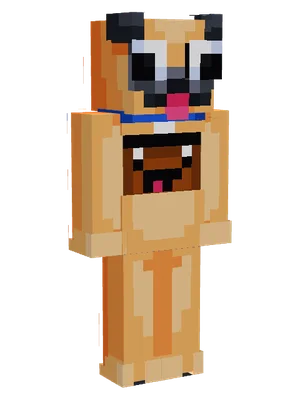 4DCute Pug OnesieLegacy Console EditionAnimal earsTail
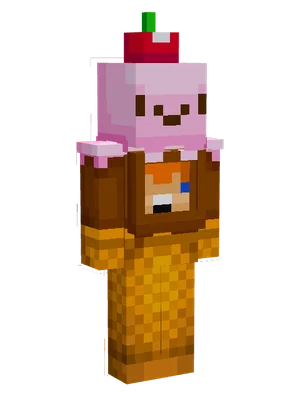 4DIce Cream Cone CostumeLegacy Console EditionHatShoulder pads
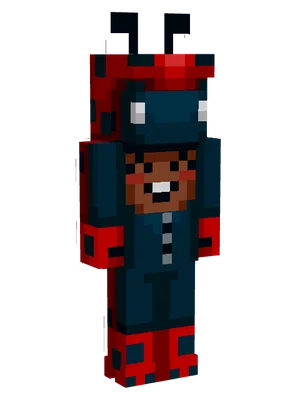 4DSpotty Ladybug CostumeMinecraftHatAntennae
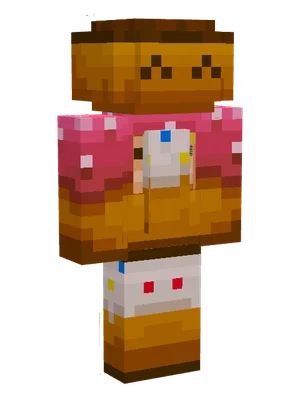 4DCake Girl RingoLegacy Console EditionHat
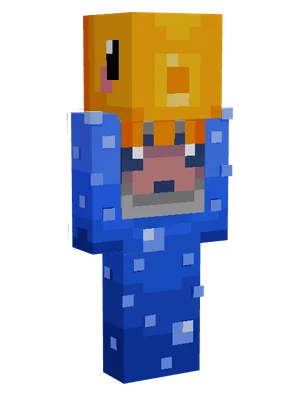 4DCute Octopus Bubble SuitLegacy Console EditionHat