
 4D
Details
| Type | 4D skin (custom geometry) |
|---|---|
| Series | Halo |
| Collection | Legacy Console Edition |
| Character | Yanme'e Drone |
| 4D parts | Snout & beak, Wings, Extra limbs |
| What makes it 4D | Extra cubes on player bones |
| Cubes | 28 |
| Bones | 13 |
| Detail level | Standard |
| Texture | 64 x 64 px |
| Arm model | Classic arms (4 px) |
| Height | 2.03 blocks |
| Cape | Included in the pack |
| Geometry format | 1.8.0 (legacy layout) |
| Geometry name | geometry.MashUpHalo.HaloDrone |
| Look | Alien · Not humanoid |
| Theme | Sci-fi, Space |
| Main colours | Brown, Green, Cyan |
| From pack | Halo Mash-up (one of 56 skins) |
| File | .mcpack skin pack with this one skin, 3 KB |
Covenant Drone 4D Skin
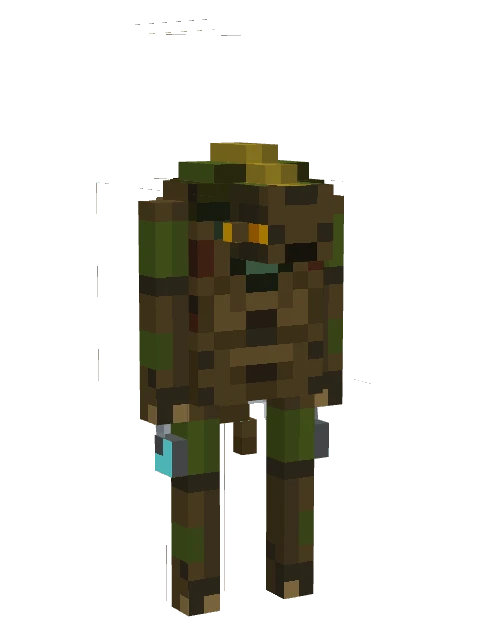
An insectoid alien in brown and green carapace with thin legs, extra hanging limbs, and glowing cyan accents on the back.
What makes it 4D
Covenant Drone is a 4D skin for Minecraft Bedrock: the pack carries its own geometry, and it adds extra cubes on the standard player bones. The model is built from 28 cubes and 13 bones, where a plain skin uses one cube per body part. What you can see standing out from the body: a snout or beak, wings and extra limbs.
How to install
- Tap Download .mcpack and wait for the file to finish.
- Open the file with Minecraft: on Android and iOS choose Open with Minecraft, on Windows double-click it. The game shows an import message at the top of the screen.
- Open the Dressing Room, go to Classic Skins and look for the pack under your owned skins, then pick the skin and confirm.
Skin packs with custom geometry are imported on Android, iOS and Windows; consoles cannot open .mcpack files. Whether the extra parts show depends on the game version: if the game ignores the custom geometry you see the flat skin only.
Change this skin
The download is an open skin pack, so you can add ears, tails or wings to it in the Quick 4D Maker, reshape the model and repaint the texture in the 4D skin editor or check the pack with the pack validator.
More from Halo
 4DSpartan YoroiHaloHelmetHorns+3
 4DGuardians Master ChiefHaloHelmetBackpack+2
 4DWar Chief EscharumHaloHelmet3D armor+2
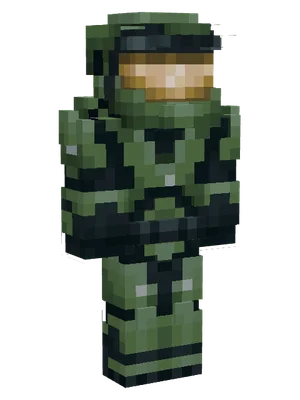 4DCombat Evolved Master ChiefHaloHelmet3D armor+1
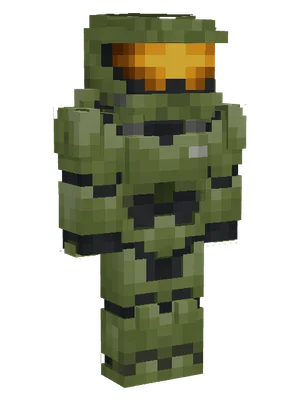 4DInfinite Master ChiefHaloHelmet3D armor+1
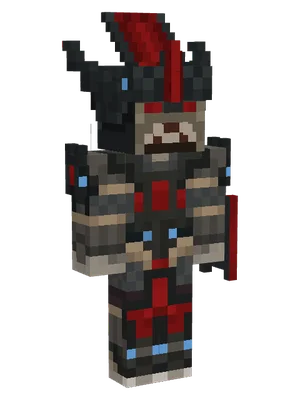 4DBrute ChieftainHaloHelmetHorns+3
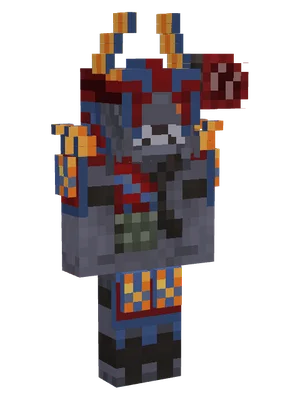 4DBrute Honor GuardHaloHelmetHorns+3
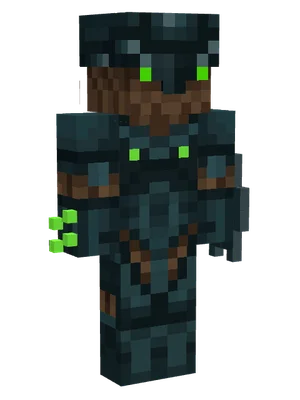 4DHalo HunterHaloHelmet3D armor+3
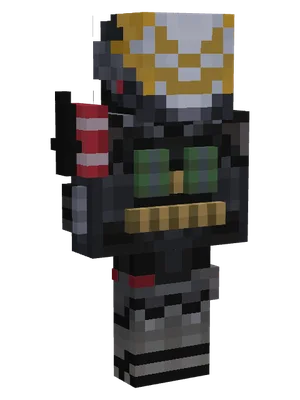 4DSpartan Emile ArmorHaloHelmet3D armor+3
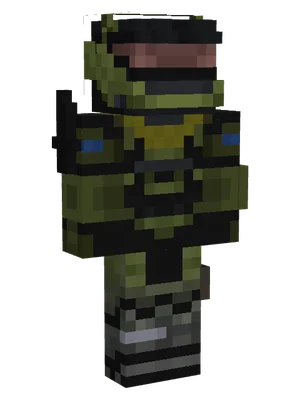 4DSpartan JunHaloHelmet3D armor+3
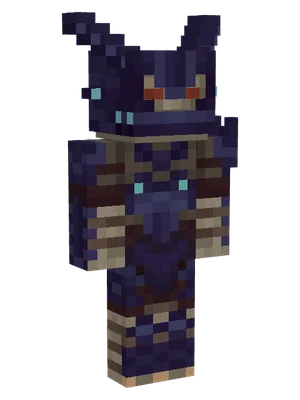 4DCovenant Brute CaptainHaloHornsHelmet+2
 4DEcho Pilot Fernando EsparzaHaloBeard3D armor+2