
 4D
Details
| Type | 4D skin (custom geometry) |
|---|---|
| 4D parts | Glasses, Backpack, Extra limbs |
| What makes it 4D | Extra cubes on player bones |
| Cubes | 24 |
| Bones | 10 |
| Detail level | Standard |
| Texture | 64 x 64 px |
| Arm model | Classic arms (4 px) |
| Height | 2.06 blocks |
| Cape | None |
| Geometry format | 1.11.0 |
| Geometry name | geometry.mre1 |
| Look | Male · Human · Steve-like (classic) |
| Theme | Sci-fi, Modern casual |
| Main colours | Green, Blue, Red |
| From pack | D Flog Flag Skins 4D (one of 1,150 skins) |
| Made by | D Flog Flag |
| File | .mcpack skin pack with this one skin, 4 KB |
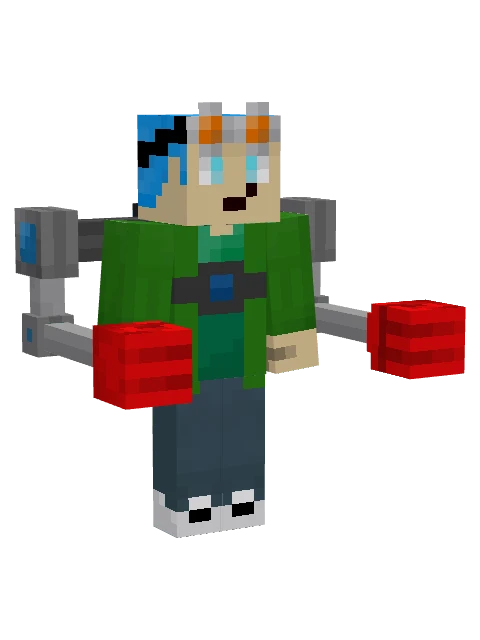
Blue Hair Boy Mech Arms 4D Skin
A boy with blue hair, goggles on his forehead, and a green jacket wearing a backpack rig with two mechanical arms ending in red fists.
What makes it 4D
Blue Hair Boy Mech Arms is a 4D skin for Minecraft Bedrock: the pack carries its own geometry, and it adds extra cubes on the standard player bones. The model is built from 24 cubes and 10 bones, where a plain skin uses one cube per body part. What you can see standing out from the body: glasses, a backpack and extra limbs.
How to install
- Tap Download .mcpack and wait for the file to finish.
- Open the file with Minecraft: on Android and iOS choose Open with Minecraft, on Windows double-click it. The game shows an import message at the top of the screen.
- Open the Dressing Room, go to Classic Skins and look for the pack under your owned skins, then pick the skin and confirm.
Skin packs with custom geometry are imported on Android, iOS and Windows; consoles cannot open .mcpack files. Whether the extra parts show depends on the game version: if the game ignores the custom geometry you see the flat skin only. Step-by-step install guides: Android, iPhone and iPad, Windows and Xbox, PlayStation and Switch. Extra parts not showing? Read why your 4D skin shows as Steve, flat or invisible.
Change this skin
The download is an open skin pack, so you can add ears, tails or wings to it in the Quick 4D Maker, reshape the model and repaint the texture in the 4D skin editor or check the pack with the pack validator.
Similar 4D skins
 4DBlue Hair Mech Arms GirlOriginal characterGlasses3D hair+2
 4DInventor With Mech ArmsOriginal characterGlassesBackpack+1
 4DMech Fist GirlOriginal characterGlasses3D hair+2
 5DCyan Goggles Backpack BoyOriginal characterGlassesBackpack
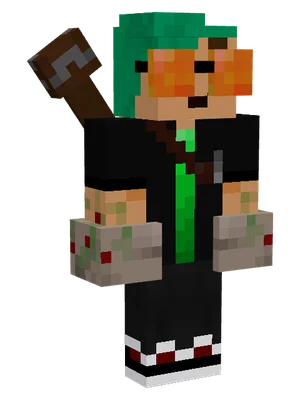 4DGreen Hair GuitaristOriginal character3D hairGlasses+2
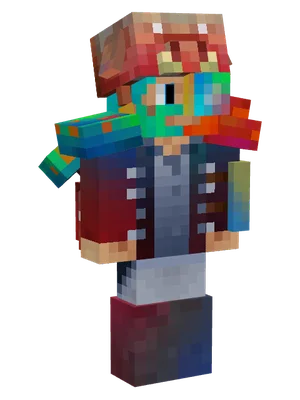 4DNether Explorer With Piglin HatMinecraftHatGlasses+3
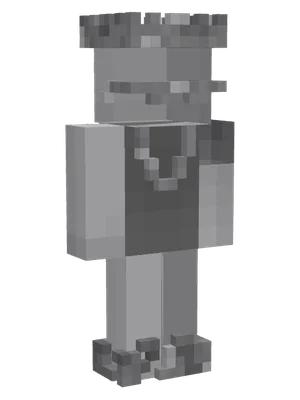 4DGray Crowned DummyOriginal characterCrownGlasses+1
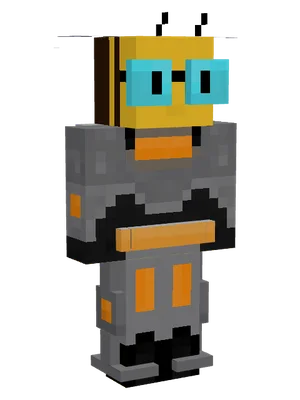 4DSci-Fi Bee SuitOriginal characterGlassesAntennae+3
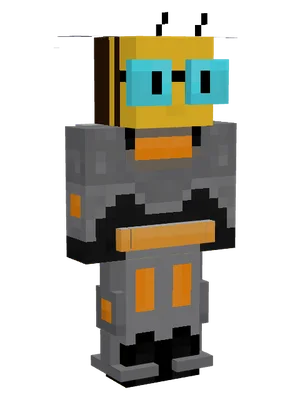 4DSci-Fi Bee SuitOriginal characterGlassesBackpack+2
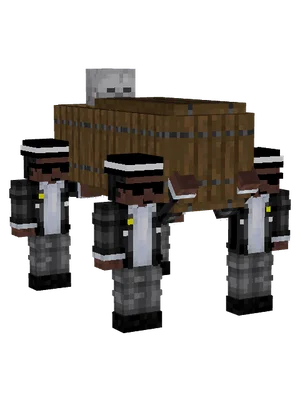 4DCoffin Dance PallbearersMemeHatGlasses+2
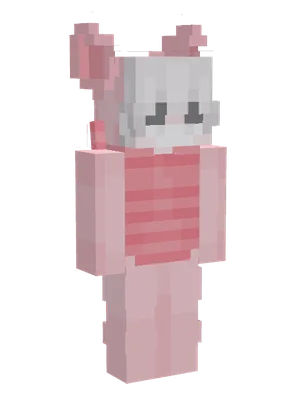 4DPink Piglet Costume GirlWinnie the PoohAnimal earsGlasses+1
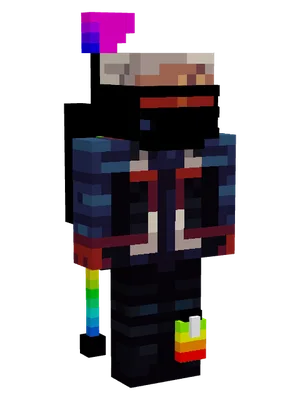 4DRainbow Cyber Visor SoldierPUBGMaskGlasses+3